
Compliance has forwarded the HHS rule with a date attached and one question: are we covered? A common first answer in the room is that the portal runs on Power Pages so it must already be fine, or that someone should commission a test report. Both skip the question you have to answer, which is what your portal serves to patients and who built it. The platform your portal runs on and the pages your team or a contractor built on top of it are two different things, and the rule reaches the content patients use, whoever built it.
If compliance sent you this rule in the last few months, it is because HHS moved the dates, not the obligation. On May 11, 2026, the Federal Register published the HHS Office for Civil Rights interim final rule Extension of Compliance Dates for Nondiscrimination on the Basis of Disability; Accessibility of Web Content and Mobile Applications of Recipients of Departmental Financial Assistance, document 2026-09266. It took effect May 7, 2026, and it extends the compliance dates for the web content and mobile app accessibility requirements that HHS “adopted on May 9, 2024.”
Under Federal Register document 2026-09266, the compliance date is May 11, 2027 for recipients with 15 or more employees and May 10, 2028 for recipients with fewer than 15 employees. The rule states the new dates in two sentences: “The compliance date for recipients with fifteen (15) or more employees is extended from May 11, 2026, to May 11, 2027. The compliance date for recipients with fewer than fifteen (15) employees is extended from May 10, 2027, to May 10, 2028.” HHS issued it as an interim final rule with a request for comments, so read the dates on this page as the rule stated them and check the Federal Register for any later change before you plan against them.
HHS gives an example close to a patient portal. It writes that “a clinic with 15 employees that requires patients to schedule vaccination appointments online would have to ensure that the web content used for such scheduling conforms with the success criteria of WCAG 2.1 and can be used by a person who is blind and uses a screen reader.” Scheduling, intake and messaging flows are where your portal meets that sentence.
This page describes what the rule says and by when. Whether your organization is a covered recipient is a determination for your counsel, and the section on when this guide is the wrong starting point explains where that definition lives.
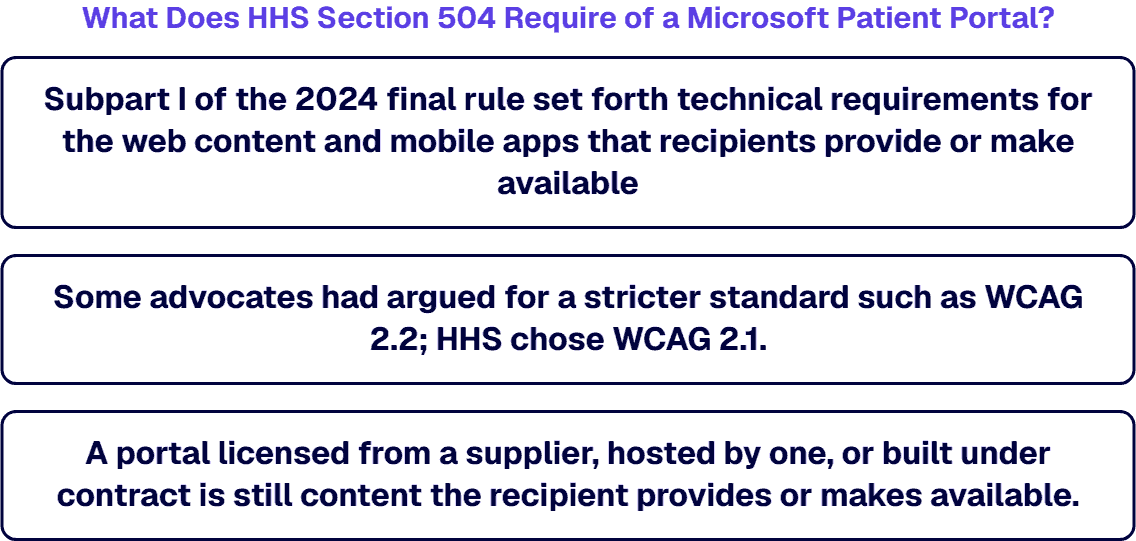
When you read the rule for scope, three sentences do the main work. The first sets what is covered: “Subpart I of the 2024 final rule set forth technical requirements for the web content and mobile apps that recipients provide or make available, directly or through contractual, licensing, or other arrangements.” Subpart I of 45 CFR Part 84 carries the title “Web, Mobile, and Kiosk Accessibility”, and the dates themselves sit in 45 CFR 84.84(b).
The second sets the standard. The 2024 rule “adopted the Web Content Accessibility Guidelines” at version 2.1 Level AA “as the technical standard for web content and mobile app accessibility under section 504.”
A third sentence limits the reach of the first two. The 2024 rule also included “provisions identifying circumstances when certain web content and content in mobile apps may not need to meet the technical standard.” Those provisions sit in 45 CFR 84.84 through 84.89, and this guide does not restate them. Read them before you decide that an archive, a document set or a third-party feed is in or out of your test scope.
One planning rule follows from the first sentence: the obligation follows the recipient, not the vendor. A portal licensed from a supplier, hosted by one, or built under contract is still content the recipient provides or makes available. The rule records that risk in its own summary of concerns from counties, which noted “there may be difficulty ensuring that the third party contractors, on which they rely, make counties’ web content conform to the success criteria of WCAG 2.1.” Health systems and health plans that rely on contractors for portal pages carry the same exposure.
If your portal runs on Power Pages, Microsoft has published a platform statement you can cite. Its page Accessibility in Power Pages, last updated April 22, 2025, says: “Power Pages conforms to the WCAG 2.2 accessibility standard.” The same page says “The controls included in basic forms are built to follow WCAG 2.2.” WCAG 2.2 is a later version than the WCAG 2.1 the rule names; Microsoft’s compliance page on the Web Content Accessibility Guidelines, last updated June 2, 2026, records that the W3C “updated it to WCAG 2.1 in June 2018.”
That statement is about the platform. It does not cover the content your organization adds, and Microsoft’s own page puts that responsibility on the content author for two surfaces. On custom markup: “The person making the changes to the Liquid templates and Content snippets is responsible for ensuring that the content they add is accessible.” On embedded reports: “as a Power BI report and dashboard author, you should make sure your Power BI reports and dashboards are accessible.” Microsoft also writes: “It’s important to make sure that customizations adhere to the required policies, such as WCAG 2.1, US Section 508, or ETSI EN 301 549.”
The planning rule we draw from this, stated as our reasoning and not as a Microsoft claim: platform conformance and content conformance are separate claims. Every custom page, customized form, Liquid template, uploaded document, embedded report and third-party widget on the portal is a surface your organization has to test on its own. The same applies with more force to a portal built on Microsoft 365 or as a custom Azure application, where the pages a patient sees can be built entirely by your team or a contractor. Microsoft’s Power Pages statement covers none of that, and this page does not assert or deny any other Microsoft conformance report.
When the budget conversation starts, the inventory is what keeps the test scope honest. Before anyone scopes testing, list what the portal serves and who built each piece:
Microsoft names its own tool on the same Power Pages page: “Use the Microsoft Accessibility Insights tool to perform two types of scans:” FastPass, which “automatically checks for compliance with dozens of accessibility requirements”, and Assessment, which “measures compliance with WCAG 2.2 Level AA success criteria.” Microsoft also suggests testing with a screen reader such as Windows Narrator and with Immersive Reader in Microsoft Edge. Treat a scan as a first pass on the custom surfaces in the inventory, and map every finding to the WCAG 2.1 Level AA success criteria the rule names, since the Assessment scan is framed against WCAG 2.2.
If you are unsure which date applies, the rule’s own threshold decides it: 15 or more employees means May 11, 2027, and fewer than 15 employees means May 10, 2028. A hospital system or health plan with thousands of employees is well over the threshold, but confirm your organization’s count against the rule’s own wording with counsel before you plan against either date; this page does not make that determination for you. The rule itself has been in effect since May 7, 2026, and it replaced the 2024 rule’s original dates of May 11, 2026 and May 10, 2027.
Work back from the date that applies. The inventory comes first, then testing of the custom surfaces, then remediation sized to what the testing finds, then a retest. Contracted content sits on the same clock, so any change a supplier has to make belongs in the plan from the start.
If one of these describes your situation, start somewhere else:
When you bring in a team, internal or external, hold the work to these criteria:
When a portal owner brings this question to i3solutions, the work is scoped as a project with embedded specialists alongside the portal team: the inventory of what the portal serves and who built it, the separation of platform statements from custom content, a test plan for the custom surfaces against the rule’s standard, and a remediation plan sized to what testing finds. Power Pages is one example of the platforms this covers: i3solutions builds secure external Power Pages portals for regulated enterprises, owning authentication, role-based access, data protection, and audit evidence rather than handing over a template. i3solutions delivers its full service portfolio into the healthcare vertical exactly as it does into defense manufacturing and finance, including identity work with Okta and Entra ID, AI work, Power Platform, and Dynamics 365 integration. i3solutions has been a Microsoft Partner with 30 years of enterprise technology delivery experience and has delivered 1,500+ Microsoft engagements across aerospace and defense, financial services, and health sciences.
Delivery is senior and US-based. The portal’s accessibility after the project stays with your team. For the wider governance and compliance practice this work sits in, see Governance, Compliance and Security services.
HHS extended the compliance dates in a later Federal Register rule, and the date it sets depends on the recipient’s size: recipients with fewer employees have a later date than larger recipients. The rule moved the dates, not the obligation.
WCAG 2.1 Level AA. HHS adopted it as the technical standard for web content and mobile app accessibility under Section 504, and the later rule changed the compliance dates, not the standard. The section above on what the rule requires quotes the adoption of the standard with its source.
Microsoft states that Power Pages conforms to the WCAG 2.2 accessibility standard, and the section above on what the Microsoft platform already gives you quotes that statement with its source. That is a statement about the platform. The custom pages, Liquid templates, content snippets, documents and embedded reports your portal serves are content your organization adds. Microsoft’s page makes the person who changes Liquid templates and content snippets responsible for the accessibility of what they add, as the section above quotes with its source, and the rest of that content still needs testing against WCAG 2.1 Level AA as well.
The rule covers web content and mobile apps that recipients provide or make available directly or through contractual, licensing or other arrangements, so a vendor-hosted or contractor-built portal is still in scope for the recipient. Put the supplier’s content in the inventory and the test plan, and confirm coverage questions with counsel.
Start with every custom or customized page, form and template, then scheduling and intake flows, uploaded documents such as PDF forms, third-party embeds and contracted content, embedded reports and any mobile app, each marked with who built it. Those are the surfaces a platform statement does not cover.

US-Based Microsoft System Integrator | Est. 1997
© i3solutions. All rights reserved.
US-Based Microsoft System Integrator | Est. 1997
© i3solutions. All rights reserved.


