
Reviewed July 22, 2026 by Scott Singleton, Managing Consultant. Scott has spent more than 19 years at
i3solutions and more than 30 years designing, developing, migrating, and implementing enterprise technology
solutions, with expertise grounded in SharePoint architecture and large-scale migration.
LinkedIn
If you are running SharePoint Server 2016 or 2019, support ended July 14, 2026, so this is now a compliance decision rather than a roadmap item. Two destinations are supported: SharePoint in Microsoft 365, or SharePoint Server Subscription Edition. Which one you can reach is set by your custom code, data residency, and permissions model.
Sources: Microsoft Lifecycle,
SharePoint Server 2016,
SharePoint Server 2019,
Subscription Edition.
Verified July 22, 2026.
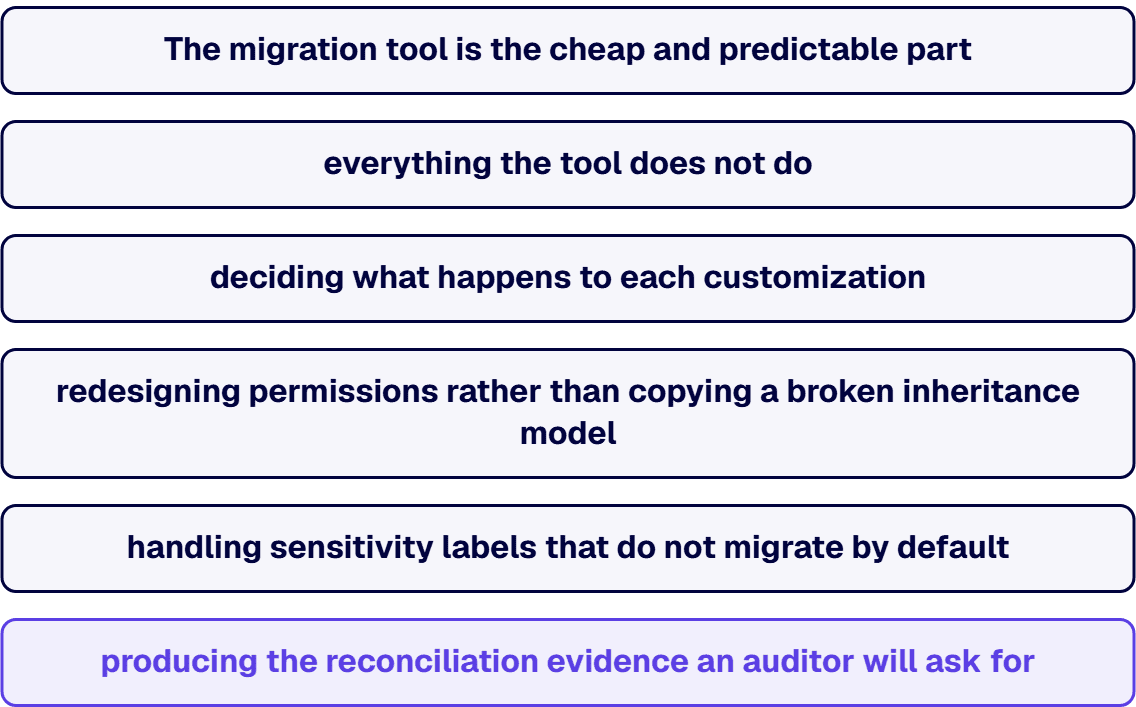
The migration tool is the cheap and predictable part. What extends an EOL migration is everything the tool
does not do: deciding what happens to each customization, redesigning permissions rather than copying a broken
inheritance model, handling sensitivity labels that do not migrate by default, and producing the reconciliation
evidence an auditor will ask for. Move the content without settling those, and you have relocated the problem.
One constraint worth checking before you plan around the free tooling: per Microsoft, if your on-premises
server is configured with multiple authentication providers including Windows authentication, SPMT does not
support Windows authentication, and you will need another method.
No. SharePoint Server 2019 reached the end of Microsoft extended support on July 14, 2026, alongside
SharePoint Server 2016. Neither receives security updates.
Yes, by upgrading to SharePoint Server Subscription Edition, which follows the Modern Lifecycle Policy and has
no fixed end date. The condition is that the farm stays on a supported Public Update build, each of which is
supported for one year from its release.
Often not. The Microsoft SharePoint Migration Tool is free with an eligible Microsoft 365 subscription and
covers a large share of straightforward Server-to-Online migrations. Paid tooling earns its cost on permission-heavy
restructuring, tenant-to-tenant work, and compliance reporting, not on volume alone.
They are disposed of individually, not migrated wholesale. Farm solutions, InfoPath forms, sandboxed
solutions and custom master pages are the usual offenders, and each is a rebuild, a replacement, or a
retirement decision made before content moves.
i3solutions runs the assessment before the movement. An enterprise SharePoint strategy assessment typically
runs four to six weeks with two to three SharePoint consultants, and settles destination, customization disposition, and
permissions design so the migration itself is execution rather than discovery. All i3solutions SharePoint
developers, architects and consultants are 100% U.S.-based.
Sort them by workflow platform first, because the two platforms on a 2019 farm now have different futures. Microsoft states that SharePoint 2010 workflows and SharePoint Designer 2013 were supported with SharePoint Server Subscription Edition only until July 14, 2026, so a 2010-platform workflow has no supported home on SharePoint Server: it is moved to the SharePoint 2013 platform, rebuilt in Power Automate, or retired. SharePoint 2013-platform workflows can stay on premises. Microsoft says SharePoint Workflow Manager powers the SharePoint 2013 Workflow platform for SharePoint Server and will be supported beyond the year 2026, so the supported way to keep them is Subscription Edition with SharePoint Workflow Manager. They cannot follow you to the cloud as they are: Microsoft fully retired SharePoint 2013 workflows for existing Microsoft 365 tenants on April 2, 2026, so a move to SharePoint in Microsoft 365 means rebuilding them in Power Automate. Either way, inventory the backlog before choosing a destination, because many workflows on an old farm are dead or duplicated.

US-Based | Est. 1997
© i3solutions. All rights reserved.
US-Based | Est. 1997
© i3solutions. All rights reserved.


