
Michael Branson
A Hotpatch plan goes wrong when the whole fleet is promised Hotpatch before anyone checks which servers meet its requirements. The account team or a peer estate mentions that Hotpatch on Windows Server 2025 cuts security-update restarts to roughly one a quarter, and that Microsoft has dropped the charge for the Azure Arc path. Then someone asks about the classified enclave, the segment with no route to the internet, or the servers a security policy keeps off every cloud management plane. No one has checked those machines against what Hotpatch requires. One answer heard in the room is to Arc-enable everything; another is that nothing in a regulated estate can ever use Hotpatch. Both answers skip the check. This guide sets out what Microsoft’s own pages say Hotpatch needs, how the cadence works, how much interruption an Azure Arc connection tolerates, and what the machines that cannot meet the requirement keep doing. The deciding test for each segment is whether its connectivity policy, as your authorizing official approves it, permits a path to Azure Arc.
If you treat Hotpatch as a property of Windows Server 2025 itself, the rollout plan starts wrong. It is a property of where the machine runs and what it is connected to. Microsoft’s Hotpatch for Windows Server page, last updated September 8, 2026, frames its scope in one sentence: “This article describes Hotpatch for Windows Server, which uses the Windows Server support and management model on Azure, Azure Local, and Azure Arc-connected machines.” Its supported-platforms section then covers exactly those three and names no fourth.
For the on-premises server, the Arc path is the one that matters, and it carries more than one condition. Microsoft’s Simplified access to Hotpatching enabled by Azure Arc for Windows Server 2025 announcement, updated May 19, 2026, says: “To use hotpatch for Windows Servers running on-premises or in multicloud environments, you must be using Windows Server 2025 Standard or Datacenter, and your server must be connected to Azure Arc.” Its FAQ adds the one prerequisite beyond the connection that this guide found at a Microsoft source, asking readers to make sure these machines “have Virtualization Based Security enabled and are connected to Azure Arc”, after which Microsoft names the Azure Arc portal, Azure Update Manager or APIs as the ways to turn Hotpatch on.
Read together, the test for a server outside Azure has three parts that travel together: the Standard or Datacenter edition of Windows Server 2025, Virtualization-based security (VBS) enabled, and an Azure Arc connection. A machine that fails any one of them is not on Hotpatch, and the fleet inventory should record which part it fails. The pages name no platform for a machine with no Azure, Azure Local or Azure Arc relationship at all. That is an absence in Microsoft’s documentation, not a sentence in it, and this guide reports it as exactly that.
If your planning notes still carry Hotpatch for Arc-connected servers as a paid subscription, they are out of date. That was true when Microsoft moved it out of preview in 2025, and it is history now; this section is current as of October 2026. The Hotpatch for Windows Server page says “Azure Arc-enabled Hotpatch for Windows Server 2025 is now available at no extra cost.” Microsoft’s Simplified access to Hotpatching enabled by Azure Arc for Windows Server 2025 announcement puts it the same way, “hotpatch enabled by Azure Arc is now available at no additional cost for Windows Server 2025”, and its FAQ says billing for Hotpatch stopped for all existing enrolled machines as of May 15, 2026.
For machines already in Azure, the announcement says “there are no charges for customers running on Azure IaaS, or Azure Local, wherein hotpatching is available as part of the functionality of Windows Server Datacenter: Azure Edition.”
What did not change is the connection. The no-extra-cost statement is scoped to the Arc-enabled path, so removing the charge removes a budget question and leaves the eligibility question exactly where it was. A server that cannot connect to Azure Arc gains nothing from the price change.
A change-board slide promising zero reboots will be wrong within one quarter. Hotpatch reduces restarts; it does not remove them. The Hotpatch for Windows Server page describes the cycle: “Hotpatch first establishes a baseline with the current Cumulative Update for Windows Server. Every three months, the baseline periodically refreshes with the latest Cumulative Update. You then receive Hotpatch releases for the next two months after the Cumulative Update.”
Two kinds of baseline on the Hotpatch for Windows Server page bring a restart:
In the months between, “Hotpatch updates don’t require you to restart your machine.” The content is security-only: “Hotpatch covers Windows Security updates and maintains parity with the content of security updates issued to in the regular non-Hotpatch Windows update channel.” The page also lists what the Hotpatch program currently does not include, updates that still require the machine to be updated during Hotpatch release months:
Plan for rollback, too. The page says “Hotpatch updates don’t support automatic rollback. If you experience an issue during or after an update, you must uninstall the latest update and install the last functional baseline update.”
The planning rule that follows: an eligible machine moves from restarting with each monthly cumulative update to restarting on each quarterly baseline plus any unplanned one, and its driver, firmware and .NET servicing keeps its own schedule. Size the change windows to that, not to zero.
When a segment loses its route to Azure for a week, that is a different case from a segment that never has one. Azure Arc is built for the first, and Microsoft’s What is Azure Arc-enabled servers? page, last updated February 26, 2026, sets out how it behaves. It describes the service’s reach: “Azure Arc-enabled servers lets you manage Windows and Linux physical servers and virtual machines hosted outside of Azure, on your corporate network or with another cloud provider.”
Microsoft’s What is Azure Arc-enabled servers? page sets out the timing:
The planning rule: Azure Arc tolerates a real outage measured in weeks, and recovers on its own when the heartbeat returns. It does not turn a network with no permitted path to Azure into a connected one. A classified enclave or a segment that is air-gapped by design, with no egress allowed, does not meet the Arc condition however the tolerance window is read.
When Azure Local comes up in this conversation, it is because Microsoft describes it in the terms a regulated estate uses. Microsoft’s What is Azure Local? page, last updated April 22, 2026, says “Azure Local is Microsoft’s distributed infrastructure solution that extends Azure capabilities to customer-owned environments.” It names, among its uses, “Strict sovereignty and regulatory requirements requiring that data be kept and controlled locally”, with examples that include “highly regulated industries such as defense and intelligence sectors and energy infrastructure.”
Two further sentences on that page have to be read side by side. One: “The solution offers a cloud-native management experience and supports deployments that are connected or disconnected from the cloud.” The other says Azure Local delivers applications, workloads and services “from cloud to edge, using Azure Arc as the unifying control plane.”
The Hotpatch page lists Azure Local virtual machines built from the supported images as a Hotpatch platform. What none of the pages this guide read states is whether an Azure Local deployment running disconnected from the cloud keeps receiving Hotpatch releases, or has to reconnect to take a new baseline. That is an open question, and this guide leaves it open. Before a disconnected Azure Local design is counted as a Hotpatch answer, confirm it with Microsoft or prove it in a test environment.
A server that cannot meet the edition, VBS and Azure Arc conditions, and is not an Azure or Azure Local virtual machine, does not lose its security updates. It stays on the reboot-based cadence the estate already runs for it: each cumulative update installed, and the machine restarted, inside a change window the segment’s owners control. i3solutions recommends writing that down per segment rather than leaving it implied, because the Hotpatch rollout will change the paperwork for everyone else.
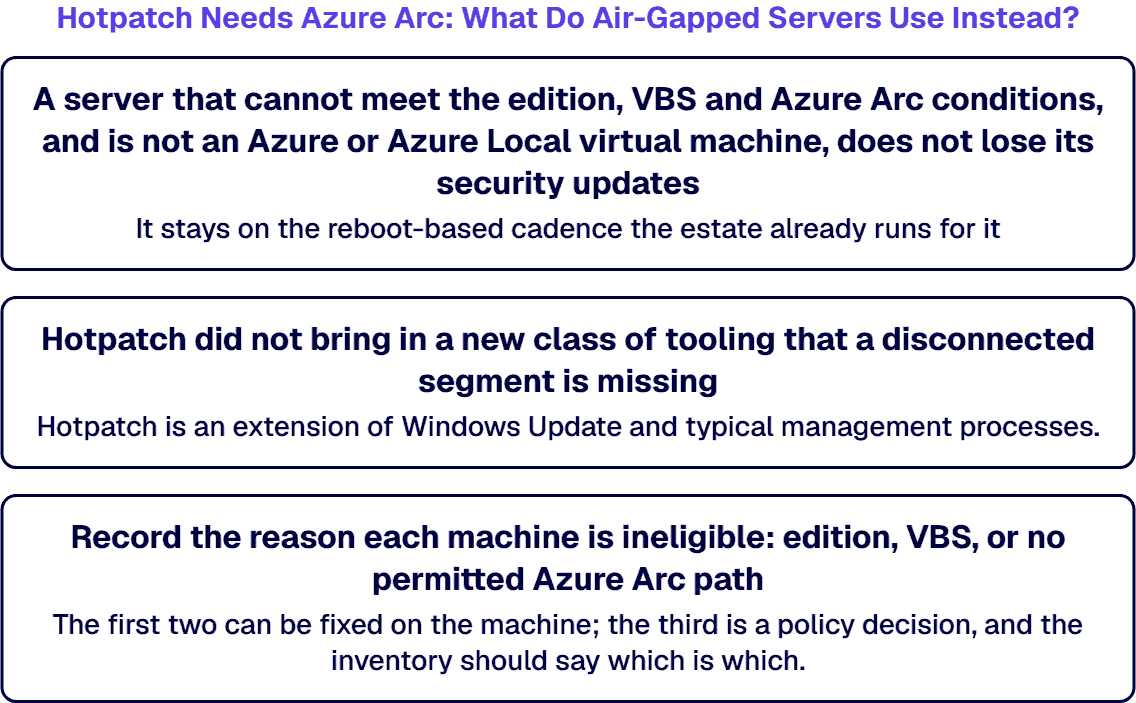
Hotpatch did not bring in a new class of tooling that a disconnected segment is missing. The Hotpatch for Windows Server page says “Hotpatch is an extension of Windows Update and typical management processes.” For Azure Arc-connected machines it lists Azure Update Manager, Group Policy (“Group Policy configures Windows Update client settings.”), SConfig (“SConfig configures Windows Update client settings for Server Core.”) and “Non-Microsoft patch management solutions.” as the ways Hotpatch updates are installed and managed. That list describes orchestration for Hotpatch-eligible machines; it is not Microsoft guidance for disconnected servers. The practical point is narrower: the configuration methods are ordinary Windows Update client settings, so the eligible and ineligible halves of the fleet can share one change process with two cadences in it.
Three rules keep the ineligible half defensible:
If your question arrives with Hotpatch in it, it can still be a different question from this one.
If a partner is going to work on this, the deliverables should be concrete enough to hand to your security office. Ask for:
i3solutions treats this as one project whose outputs are the eligibility inventory, the Azure Arc onboarding plan for the machines that can connect, and the documented cadence for the machines that cannot. Where your team needs extra hands, specialists can embed with it for the duration. i3solutions has been a Microsoft Partner with 30 years of enterprise technology delivery experience and has delivered 1,500+ Microsoft engagements across aerospace and defense, financial services, and health sciences. The work is done by senior engineers based in the US. An i3solutions project engagement does not by itself include ongoing support of what it delivers, which i3solutions scopes separately as Application Managed Services, and it is not a replacement for the internal team, open-ended scope expansion, or vendor lock-in. Your team runs the patch cycle day to day once the project closes. This work sits within Azure development services.
Not for a server with no Azure, Azure Local or Azure Arc relationship; Microsoft’s pages name no such path. Microsoft’s Hotpatch page describes Hotpatch “on Azure, Azure Local, and Azure Arc-connected machines”, and for servers on-premises or in another cloud, Microsoft’s announcement says “you must be using Windows Server 2025 Standard or Datacenter, and your server must be connected to Azure Arc.”
No. It was sold as a subscription after it moved out of preview, and that is history now. Microsoft’s Hotpatch page says “Azure Arc-enabled Hotpatch for Windows Server 2025 is now available at no extra cost”, and according to Microsoft’s announcement, billing stopped for all existing enrolled machines.
The right edition and Virtualization-based security. Microsoft’s announcement says “you must be using Windows Server 2025 Standard or Datacenter, and your server must be connected to Azure Arc”, and asks that machines “have Virtualization Based Security enabled and are connected to Azure Arc”.
Yes. Microsoft’s Hotpatch page says planned baselines “require you to restart your machine”, and Microsoft’s announcement says “In January, April, July, and October, devices install the monthly cumulative security update and must restart for the update to take effect.” An unplanned baseline also brings a restart when an update “can’t be released as a Hotpatch.”
That is an open question. Microsoft’s Azure Local page says the solution “supports deployments that are connected or disconnected from the cloud” and uses “Azure Arc as the unifying control plane”, but none of the Microsoft pages this guide read states whether a disconnected deployment keeps receiving Hotpatch releases. Confirm it with Microsoft or in a test environment before relying on it.

US-Based Microsoft System Integrator | Est. 1997
© i3solutions. All rights reserved.
US-Based Microsoft System Integrator | Est. 1997
© i3solutions. All rights reserved.


